What admins can see
User counts, device fleet health, signup trends, billing status, and anonymised sync volumes.

Privacy & trust
Transo is built for shop owners who handle real money every day. We designed the platform so your payment texts, amounts, and customer names are never mixed with other accounts — and never browsed by our team.
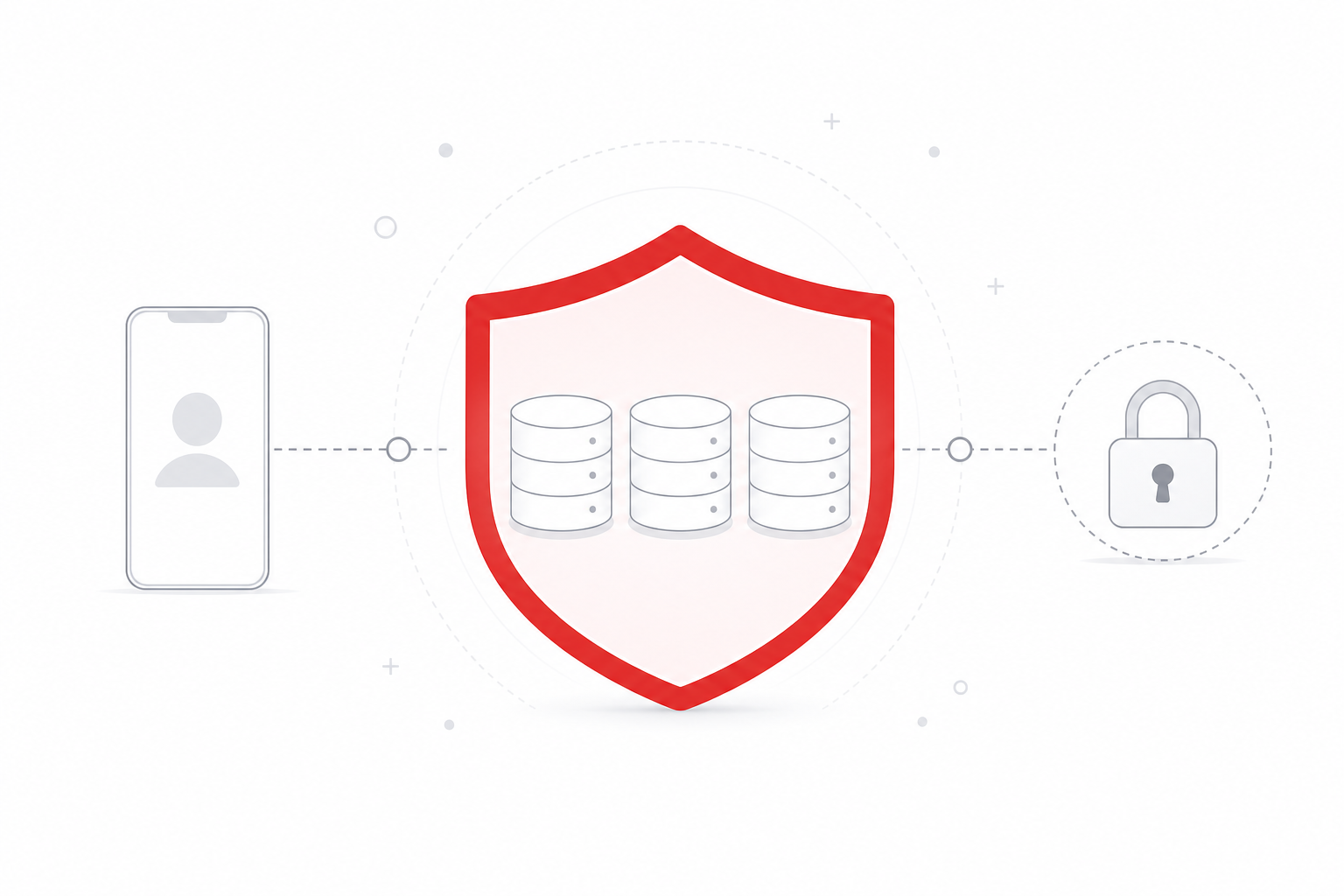
Transo helps businesses track mobile money and payment SMS from shop phones across the Horn of Africa. That data is sensitive — it reveals who paid you, how much, and when. We treat it accordingly.
Plain language promise: We sell software, not your data. We do not share individual wallet rows with advertisers, data brokers, or other Transo customers.
| Data | Why | Stored where |
|---|---|---|
| Account email & phone | Sign-in, verification, support | Platform database |
| Parsed payment rows | Dashboard, reports, exports | Your private user database |
| Device pairing tokens | Secure phone-to-server sync | Hashed on platform; sync state in your user DB |
| Audit & security logs | Fraud prevention, compliance | Platform (no payment content) |
We do not store your SMS inbox in raw form on the server. The Android app parses payment messages on the device and sends structured fields (amount, direction, reference, counterparty) over TLS.
Every Transo account receives its own SQLite database file on disk
(data/users/u<id>.db). Payment transactions live there — not in a shared
table that admins can query across customers.
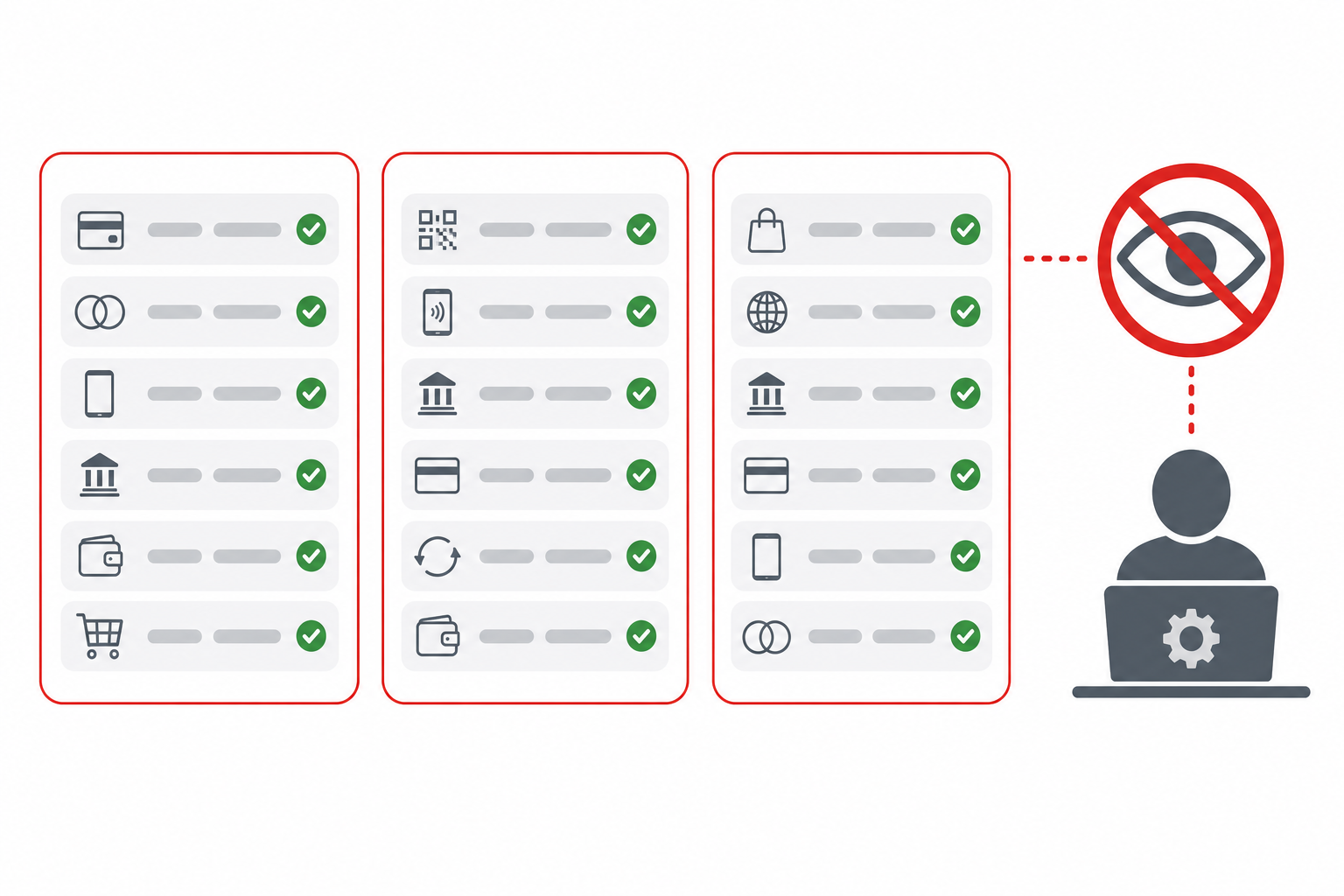
User counts, device fleet health, signup trends, billing status, and anonymised sync volumes.
Individual payment amounts, SMS text, counterparty names, or searchable transaction history.
When your last active web session ends (logout or cookie expiry), synced transactions are wiped from the server. This protects shared computers — a deliberate privacy feature, not a bug.
If you create an API key at Developers, it accesses only your account — never another customer’s data. Keys can be revoked at any time. API usage is metered per plan.
Webhooks receive signed POST payloads for events like transaction.synced.
Verify signatures using the secret shown once at creation.
bcrypt password hashing, rate-limited login, CSRF protection on session APIs, optional 2FA.
TLS on transo.cloud. Security headers including CSP, HSTS, and frame denial.
Security-relevant actions logged without sensitive payment content in log lines.
Admin tools enforce role checks server-side. Transaction browsers are disabled for staff.
Depending on your jurisdiction, you may have the right to:
To exercise these rights, email [email protected] from your registered address.
Transo · privacy requests & data questions
[email protected]